Reverse engineering a vape (part 1)
Intro
Hey everyone. Hackers, people who spend too much time on their computers, or just anyone who somehow ended up here.
This is the first post on my blog about computer stuff. I’ve done some reverse engineering before, but never really documented any of it. This time I thought, why not? Could be fun to show how these little chips work, how to reverse engineer them, and what weird stuff we can make them do.
For this post I picked a Vaporesso XROS 5. Mostly because I vape, and it’s probably the last thing on my desk I haven’t taken apart yet.
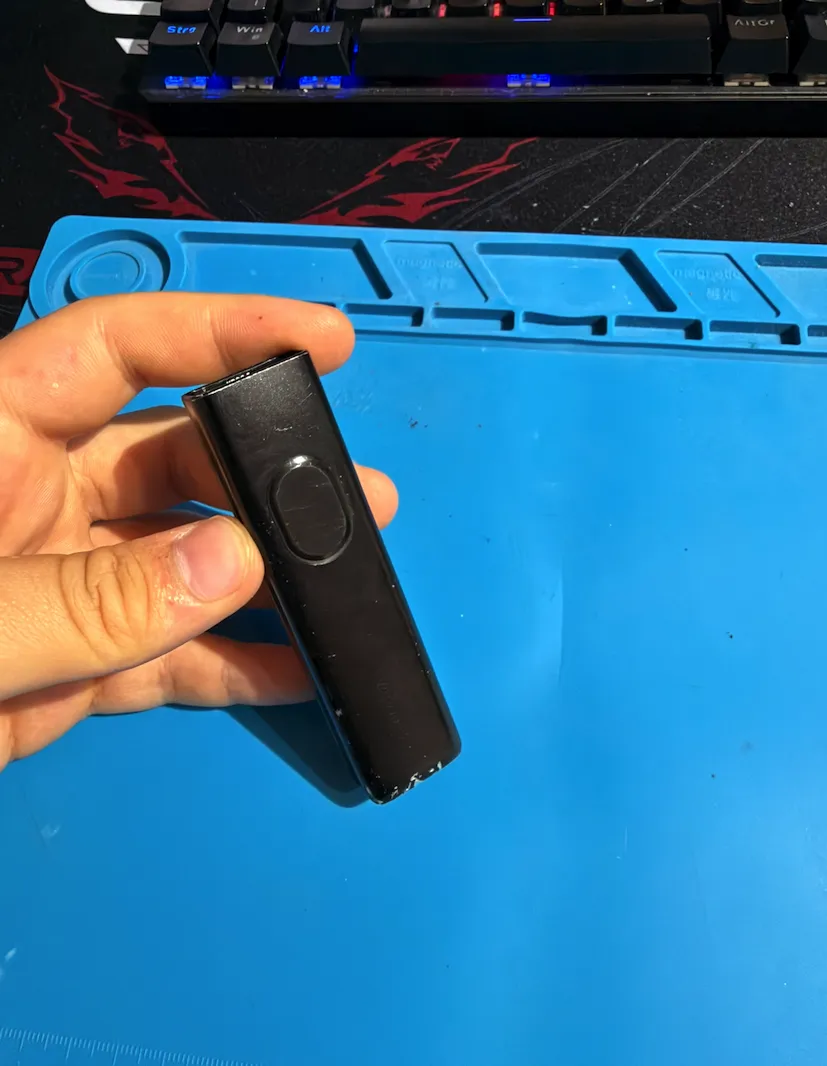
Disassembly
Taking it apart was pretty easy. I used this video in Russian, so thanks to Alex Kryy for that. Should take about five minutes.
First, find the small round aluminum thing on the side of the vape. Push it in with tweezers or small pliers. It needs a bit of pressure, then it should pop inside the case.
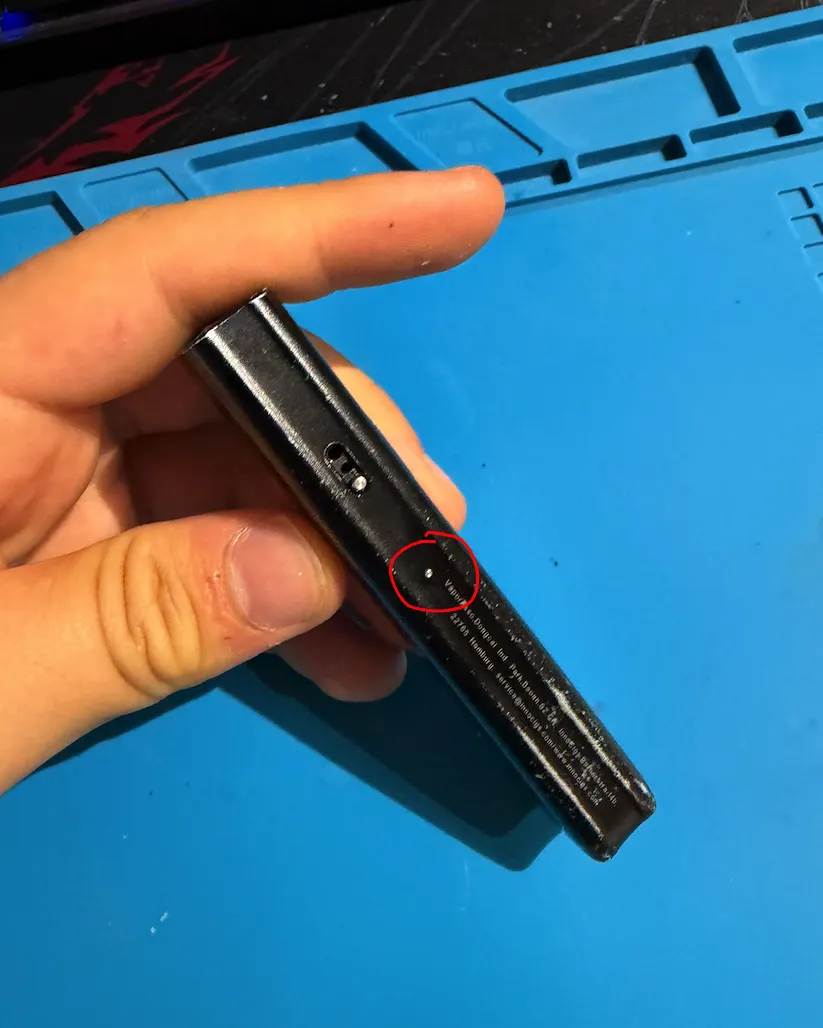
Now you need to get that thing back out. You can grab it with tweezers, or just hold the vape upside down and gently tap it against your hand.
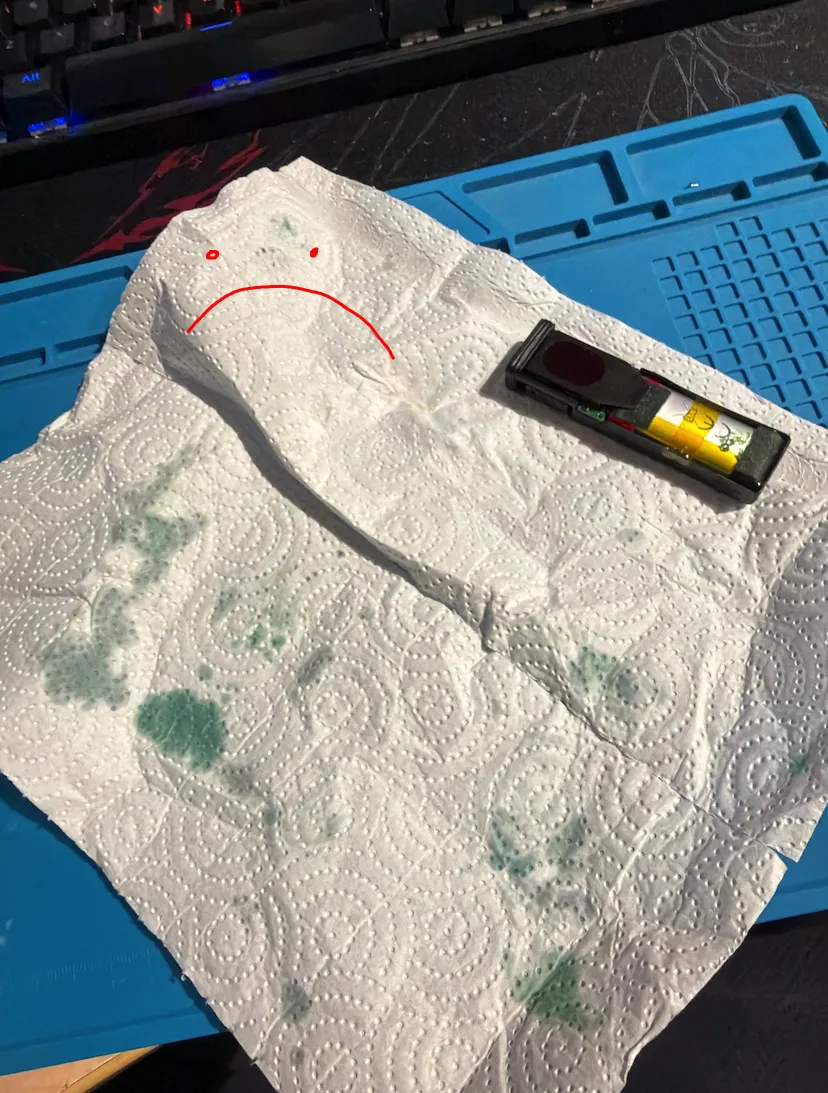
After that, pull out the main board together with the rubber insert. In the photo you can see mine was completely covered in vape juice. Guess I should clean it more often lol.
Finding the Main Chip
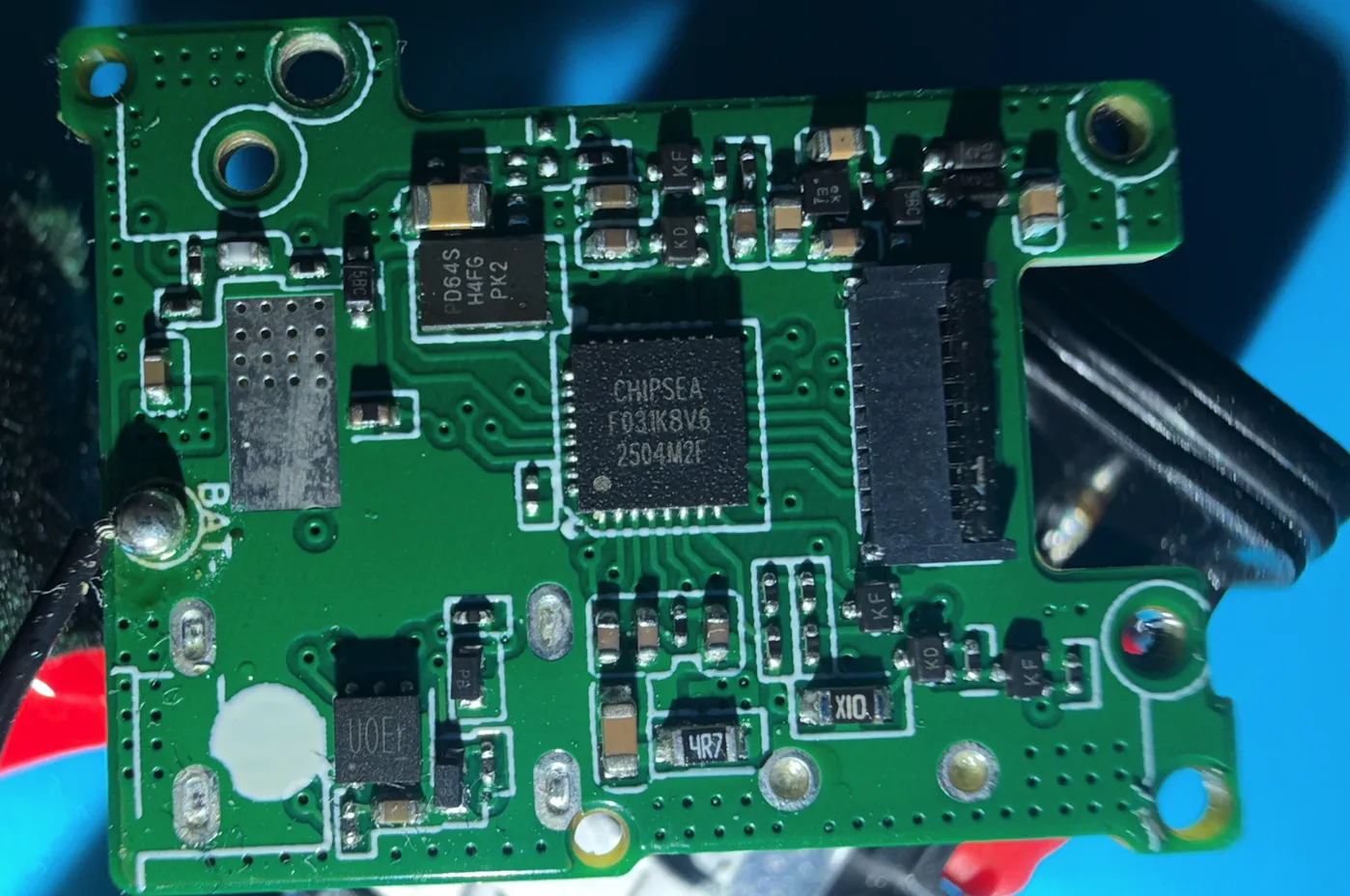
The board is pretty small, so finding the main MCU wasn’t too hard.
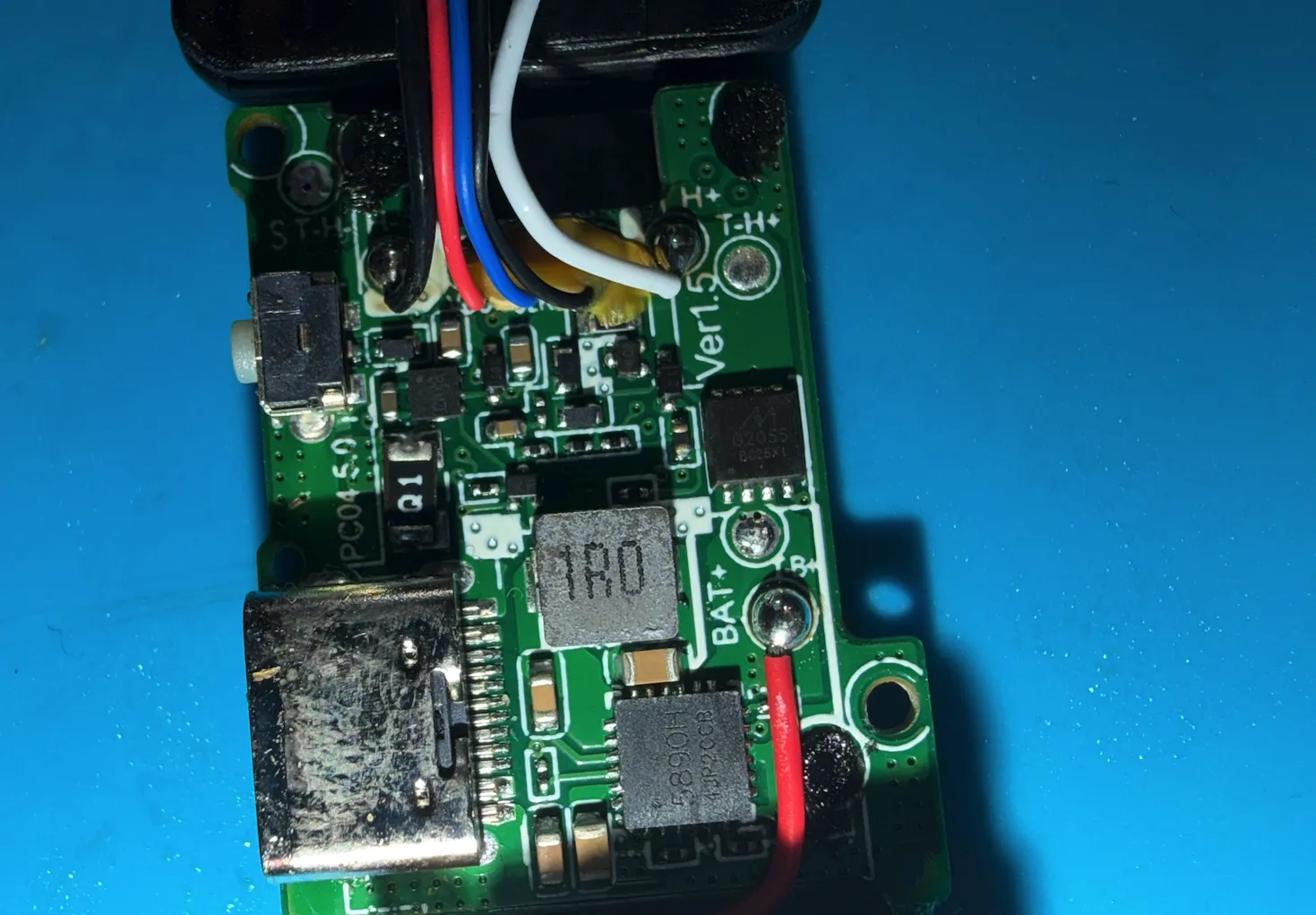
On the back we have the board markings: “PC0.4 5.0” and “Ver 1.5”.
Right next to the USB connector there’s a chip marked “5890H”, probably the charging IC. There’s also a 1R0 power inductor, which might be part of the power supply for the coil, a few test points for the coil connections, and what looks like a small diode labeled Q1.
Then there’s this interesting eight-pin chip marked “G2055 BC25X1”. Looks like it could be flash memory, but I’m not sure yet. Plus a bunch of other tiny components.
I googled the charging chip and the mystery eight-pin one. Found basically nothing.
The front side was a bit better.
There’s a big chip marked “CHIPSEA F031K8V6”, which definitely looks like our MCU. You can see traces going from it to the display connector. Next to it is another chip, “PD64SH4FGPK2”, which also looks like it might be some kind of NOR flash.
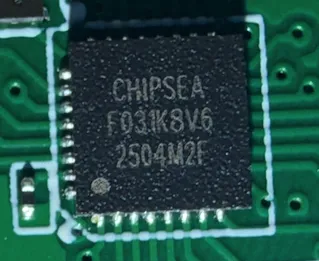
So I googled the Chipsea chip, and this time actually found something.
From what I could find, it’s basically an ARM Cortex-M0-based STM32 clone, and apparently these chips are used in quite a few other vapes too.
I even managed to find some documentation. Finally, something to work with.
What I Found in the Docs
First thing: the name printed on the chip is shortened. The full part number is CS32F031K8V6.
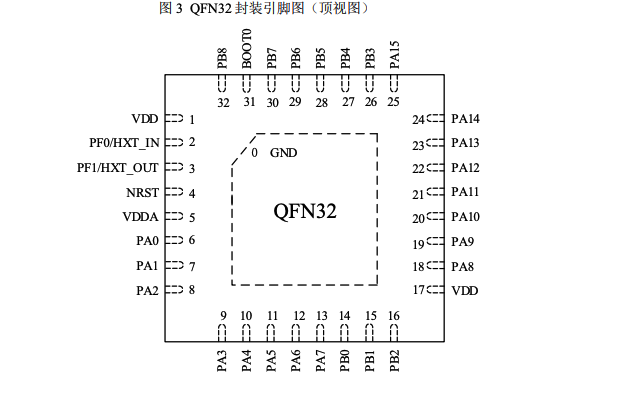
I went through the datasheet and found a few useful things:
- ARM Cortex-M0 core: so we’re dealing with ARM Thumb instructions
- 64 KB of internal flash: this is where the firmware should be
- 8 KB of SRAM: doesn’t sound like much, but we’re running a vape here
- SWD debugging support: now this is what I was looking for
- No USB peripheral: so plugging in a USB cable wasn’t going to let me talk directly to the MCU
The memory map also gave us the addresses we need:
- Internal flash
- 0x08000000
- SRAM
- 0x20000000
And the pin table told us where to connect:
- PA13
- SWDIO
- PA14
- SWCLK
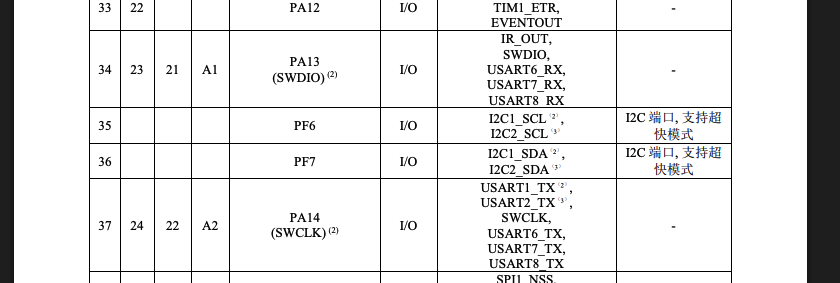
SWDIO carries the data, SWCLK is the clock. Add a shared ground, and a debugger can talk to the chip through these connections.
If the manufacturer hasn’t locked debug access, we should be able to stop the CPU, look at its registers, and read the firmware straight out of flash.
Okay, now we actually had a plan.
My Extremely Professional Debugging Setup
To connect it to my computer, I used a cheap ST-Link V2 clone.
Did I solder wires to the board? Nope.
I used two needles connected to the ST-Link through a breadboard, then held the tips against the SWD contacts on the board.
Basically, each signal went from the board, through a needle and the breadboard, to the matching pin on the ST-Link. Then the ST-Link plugged into my computer over USB.
The board and ST-Link also need a shared ground connection. The two needles only handle SWDIO and SWCLK, so don’t forget that part.
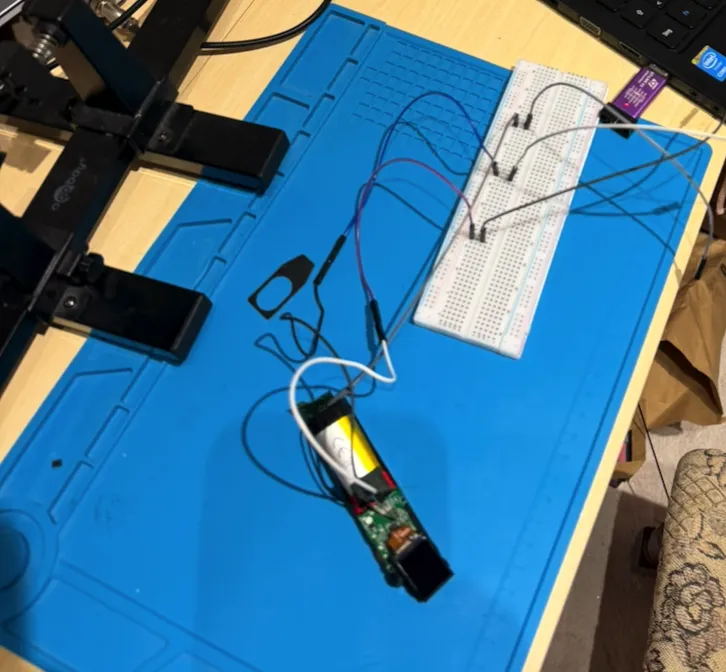
No fancy probes or anything. Just two needles and the hope that I wouldn’t move at the wrong moment.
Honestly, getting a stable connection was the most annoying part. When the debugger won’t connect, you start thinking the chip is locked, your config is wrong, or something else is broken.
Or maybe your needle just moved half a millimetre. With this setup, that’s also very possible lol.
Getting Ready to Dump the Firmware
For the software, I used OpenOCD.
The Chipsea chip is close enough to the STM32F0 on the debugging side that OpenOCD’s stm32f0x target config works with it. Still, check this on the chip you’re actually working with. Similar names don’t mean everything inside behaves exactly the same.
From here, the plan was pretty simple:
- Get the ST-Link to connect reliably
- Check if readout protection is enabled
- Dump the internal flash
- Check the dump and save a few backups before messing with anything
So now we knew where the firmware was supposed to be and how to try reading it.
The next question was whether the chip would actually let us.